
666Taka login — Quick Sign-In, Safer Play
Welcome back to 666Taka. Use the login page to access your profile, check balances, claim offers, and continue your games without delays. If you forgot your password or changed your phone, follow the recovery steps below and get back in within minutes.
- 1 min Fast Login
- 24/7 Support Access
- Secure Account Protection
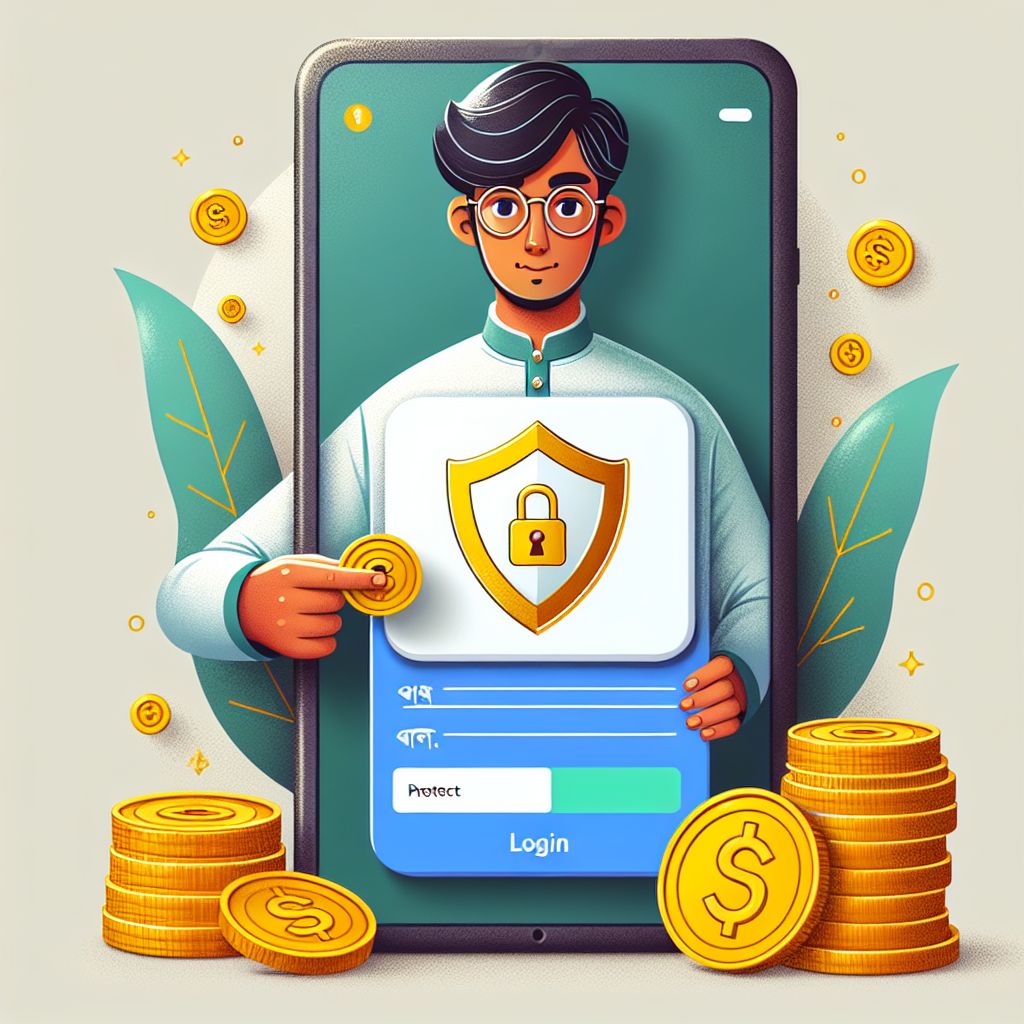
666Taka login Basics for Bangladesh Users
The 666Taka login page is built for quick access while keeping your account protected. Sign in with the same phone number or email you used during registration, then confirm your password to enter your dashboard. If you are on mobile, you can stay signed in on your personal device to reduce repeated logins. For shared phones, always log out after each session to keep your wallet and history private.
How to Complete 666Taka login in Minutes
Follow these steps to sign in safely on 666Taka. The process is simple on both mobile browser and the Android app, and it helps you reach deposits, withdrawals, and gameplay faster. If any step fails, use the recovery option before trying multiple times.
Step 1: Open the Login Screen
Go to the official 666Taka login page or open the 666Taka Android app. Make sure you are using the correct site and avoid links from unknown sources. A clean login screen with your account fields is the safest starting point.
Step 2: Enter Your Account Details
Type your registered phone number or email and your password exactly as set. Check for extra spaces and confirm your keyboard language to avoid typos. If you use a password manager, select the correct 666Taka entry to prevent wrong autofill.
Step 3: Verify and Access Your Dashboard
Tap the login button and wait for confirmation. If prompted, complete the verification step to protect your account from suspicious access. Once inside, review your balance and recent activity before continuing to play or manage payments.
666Taka login Help: Fix Common Sign-In Issues
Forgot Password Recovery
Use the “Forgot Password” option on the 666Taka login screen to reset access quickly. Choose your recovery method, verify your identity, and set a new strong password. After updating, sign in again and keep your new password stored securely.
OTP or Verification Not Arriving
If verification codes are delayed, check network signal and ensure your SIM is active. Wait a moment before requesting a new code to avoid conflicts. If the issue continues, contact support and confirm your phone number details.
New Phone or Changed Number
When you switch devices, use the same registered credentials to complete 666Taka login. If your number changed, you may need account verification to update your profile safely. Support can guide you through a secure ownership check.
Account Safety Tips
Avoid logging in on public Wi‑Fi and never share your password or codes. Enable any available security options and use a unique password you do not reuse elsewhere. Always confirm you are on the official 666Taka page before entering details.
Why 666Taka login Works Better in the Android APK
Using the Android app can make 666Taka login feel smoother and more stable on many devices in Bangladesh. The APK is optimized for mobile navigation, so you can reach your account, offers, and cashier with fewer steps. It also helps reduce browser issues like cache conflicts, forced refreshes, or accidental tab closures during sign-in. Download the official APK using the button on this page to keep your access consistent and up to date.